


Free Desktop Screenshot Tool
Capture high-quality web screenshots without writing a single line of code. Perfect for e-commerce monitoring, competitor analysis, and automated reporting.
Free to use • 500 screenshots/month • No credit card required
Key Features
Desktop Application
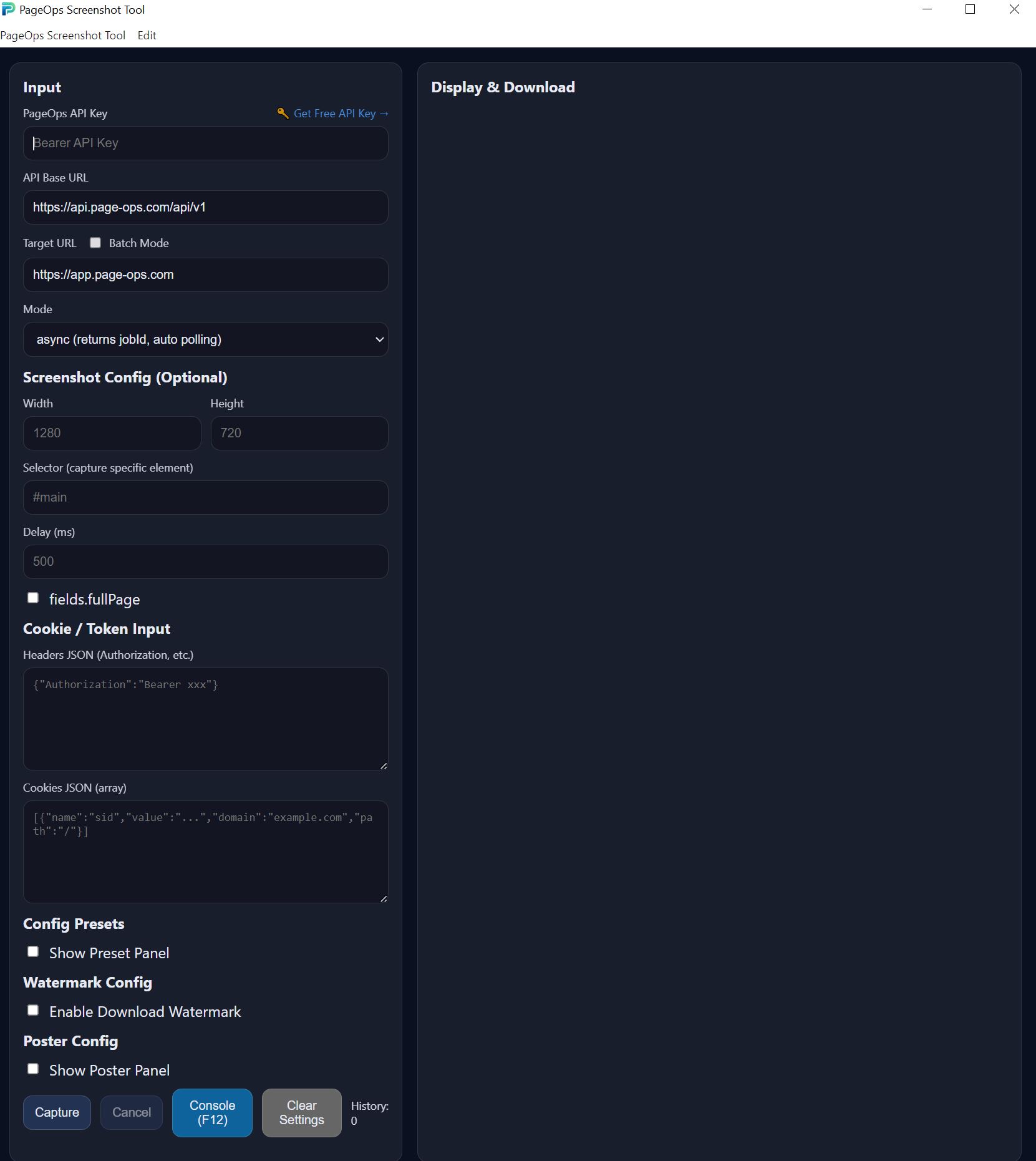
Native Windows and macOS app with intuitive graphical interface.
Batch Processing
Capture up to 20 URLs simultaneously with concurrent processing.
Cookie & Header Support
Access authenticated pages by passing cookies and custom headers.
Social Media Posters
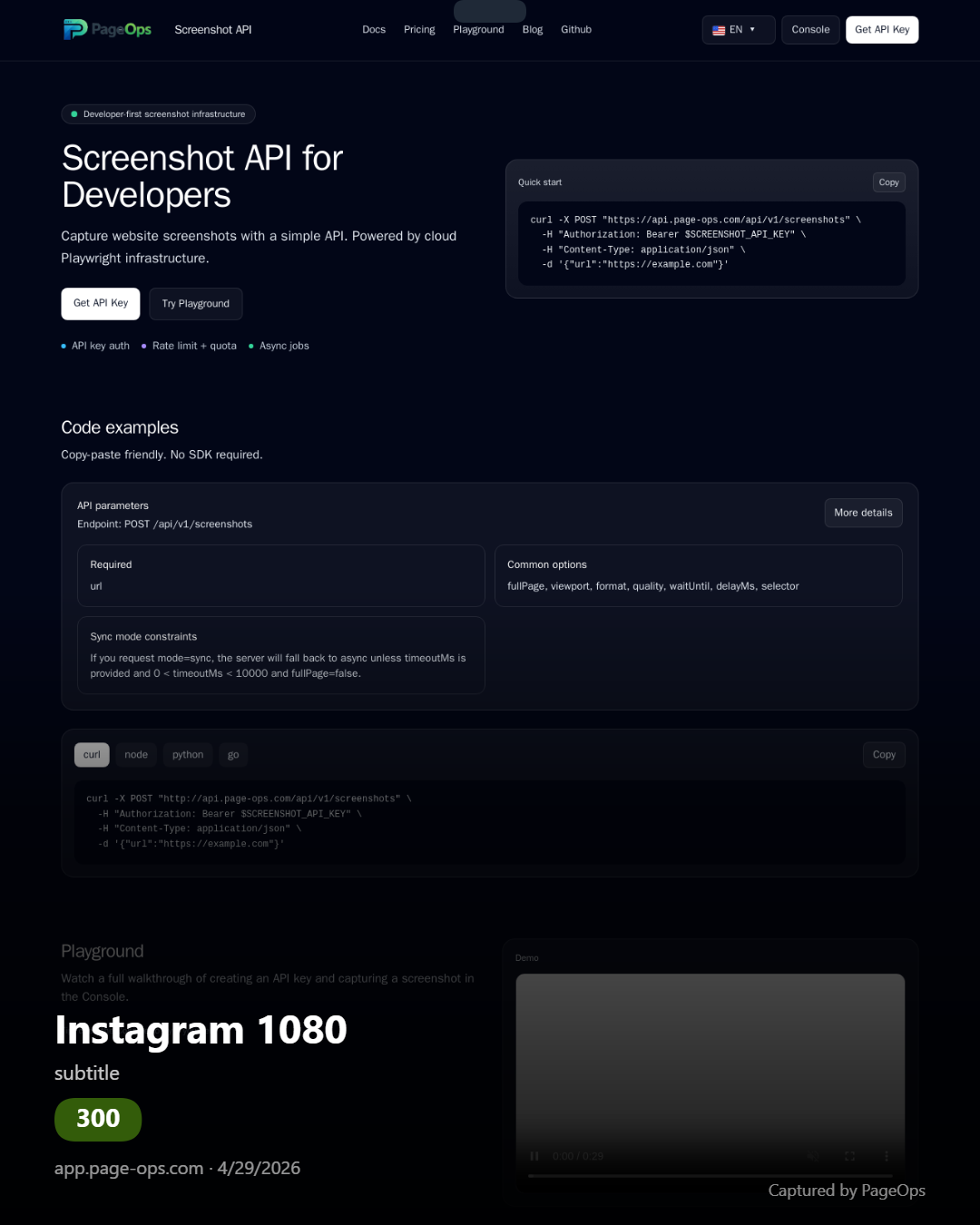
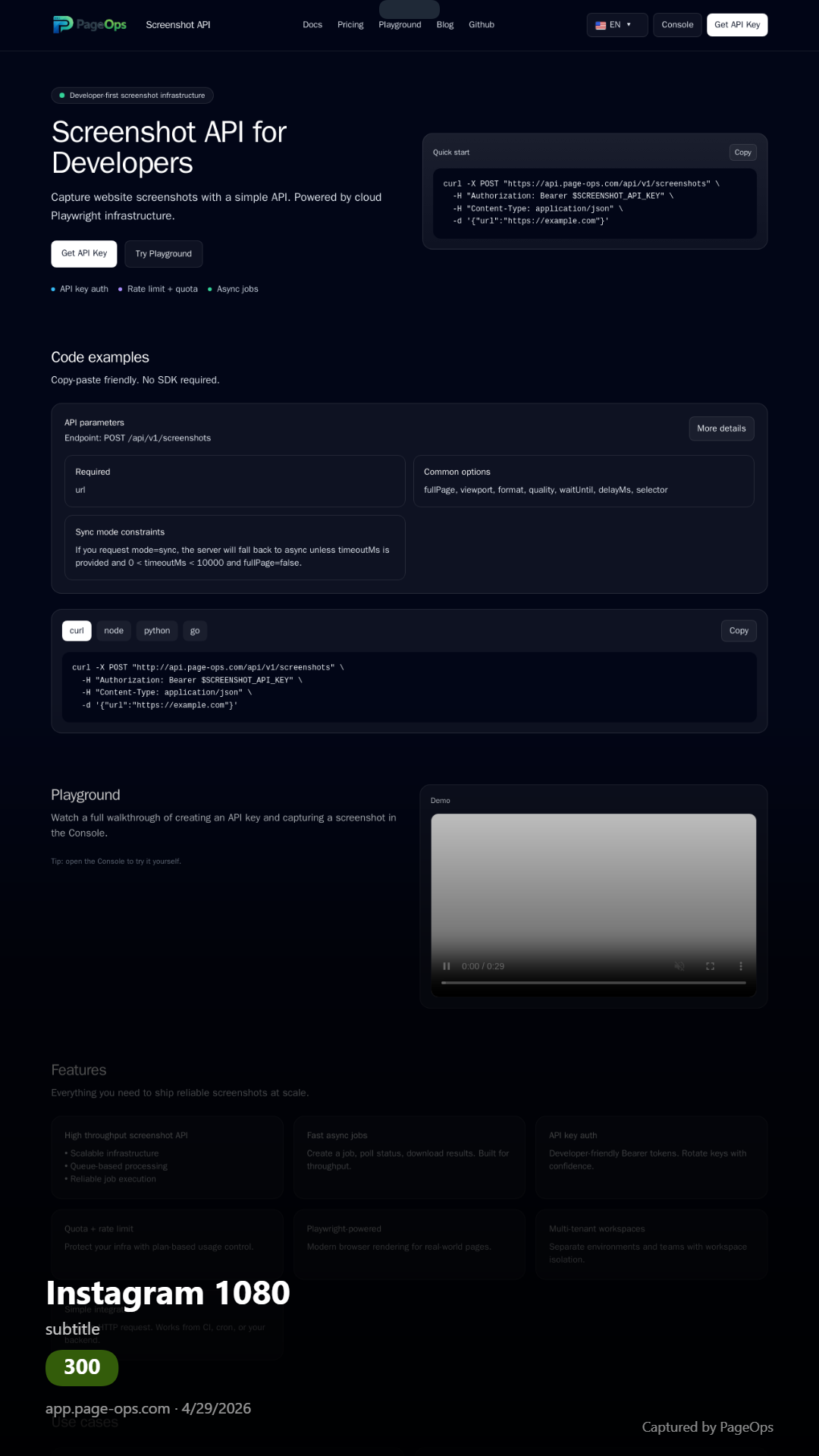
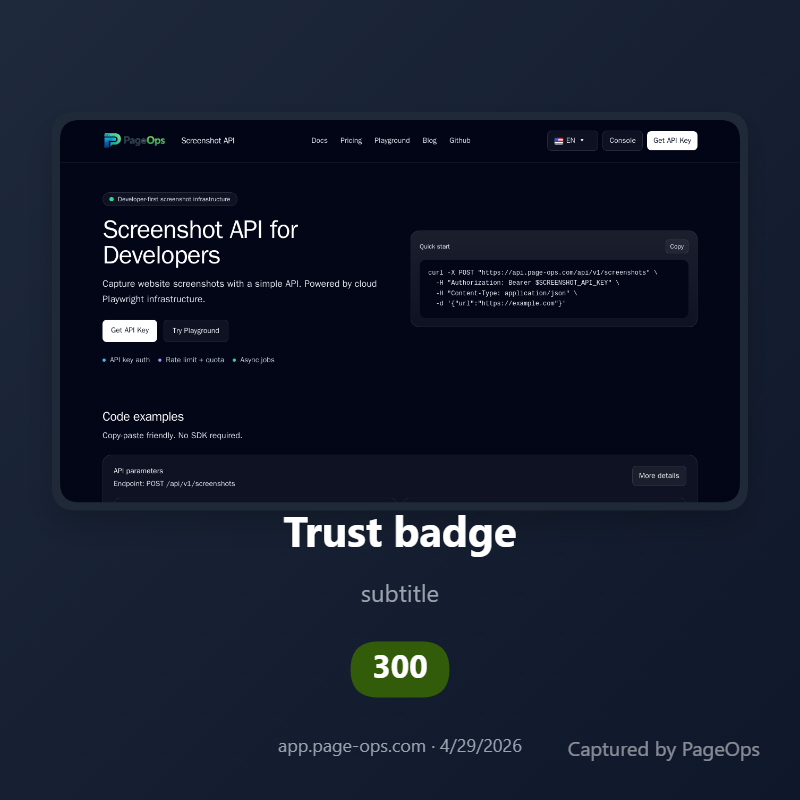
Generate Instagram, Twitter/X posts and trust badges automatically.
Watermark Support
Add text or image watermarks to screenshots before downloading.
Network Console
Inspect API requests and responses in real-time for debugging.
Screenshots & Examples
Main Interface
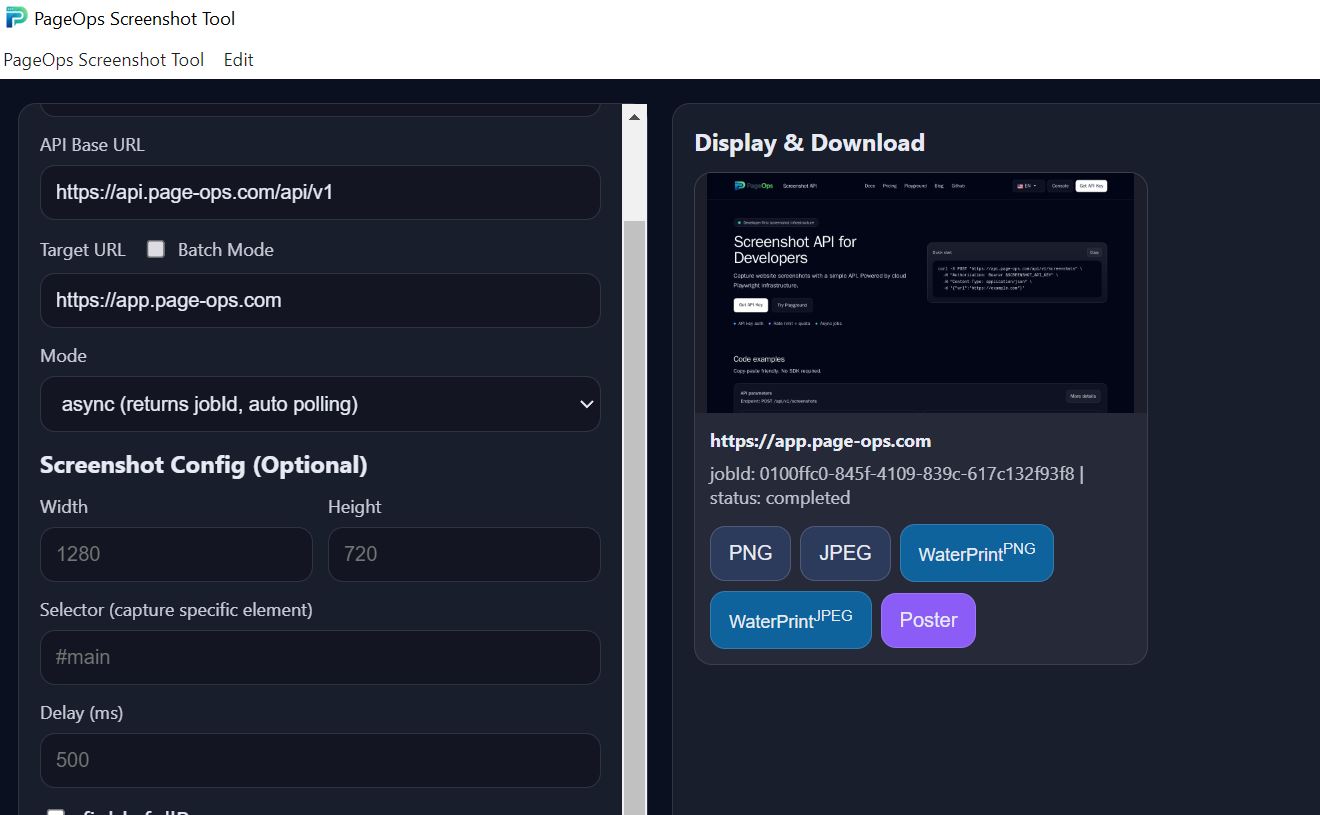
Generated Screenshot
Instagram Post
Instagram Story
Trust Badge
Quick Start
Get API Key
Sign up for a free account at app.page-ops.com and get your API key.
Download App
Download the desktop app for Windows or macOS from GitHub Releases.
Start Capturing
Enter your API key, add URLs, and click capture. It's that simple!
Perfect For
E-commerce Monitoring
Track product prices, promotions, and competitor listings across multiple stores.
Automated Reporting
Generate visual reports from web dashboards and analytics platforms.
Competitor Analysis
Monitor competitor websites and marketing campaigns visually over time.
QA & Testing
Capture pages at specific viewports for visual regression testing.
Ready to Start Capturing?
Join thousands of users capturing web screenshots with PageOps.